Case study · Product · 2026
Redact Pro: redaction that sits inside the recording
I designed and built a native macOS editor and CLI that opens a Screen Studio project, lets me mask names, emails, and account UI, then writes the redacted video back into the package so the rest of the edit never sees the original pixels.
The problem
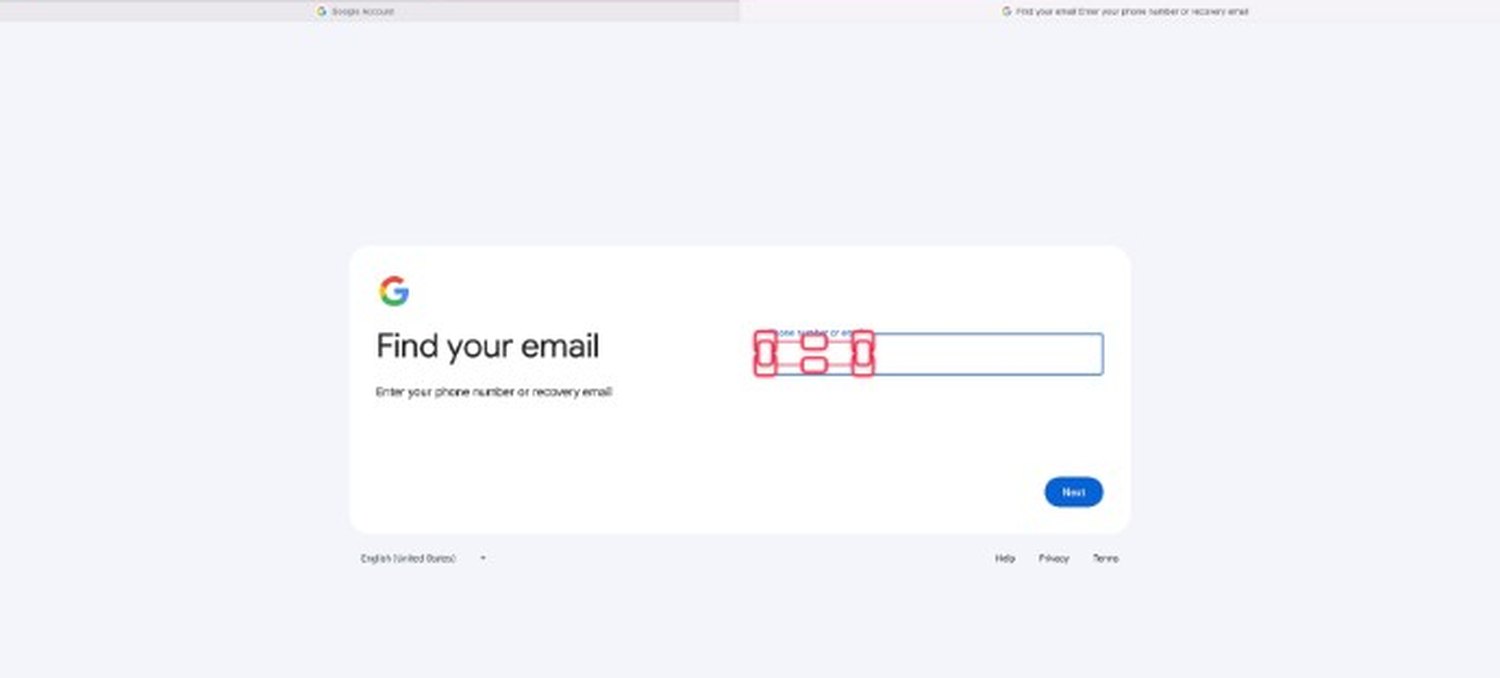
Pixel & Bracket tutorials are recorded on real machines, in real accounts. A “how to check your iCloud password” or “how to find a Gmail account” video can flash a name, an email, a phone number, or a settings pane that should never hit YouTube.
Screen Studio is the recording tool. It has no keyframed, tracked masks, and it does not know what PII looks like. Blurring in a traditional editor after export means leaving the pipeline, guessing frame ranges, and hoping the next zoom or crop does not uncover something. At a daily publish rate that does not hold.
I needed redaction to happen inside the Screen Studio package, before edit and upload, on 4K variable-frame-rate recordings that can run 30 minutes or more.
Where it sits
Redact Pro is stage 02 of the content pipeline I run for Pixel & Bracket. Intake lands a .screenstudio package. Redact Pro opens it, writes a companion .redactproject next to the recording, and atomically replaces only the working display file. Edit, thumbnail, and upload never see the unmasked pixels.
What I built
A Swift package with three products that share one engine: the Redact Pro editor, a headless pii-redact-cli, and a test suite. About 16,000 lines of Swift. macOS 14+, Intel and Apple Silicon.
- Non-destructive projects. Masks, keyframes, OCR findings, and a SQLite analysis database live in
mask-companion.redactproject. The archived recording is never overwritten; export swaps only the working display file. - A real editor, not a settings pane. Canvas with move / side-resize / corner-resize, sampled-color eyedropper, polygon tools, a virtualized multi-lane timeline, keyframe diamonds, undo, and autosave. ⌘O opens a package; ⌘E exports; ⌘/ lists every shortcut.
- Masks that hold still or follow. Rectangle, rounded rectangle, or polygon. Solid fill, sampled UI color, blur, or pixelate — with feather and expansion. New masks start as a one-second static span; keyframes interpolate, hold, or cut.
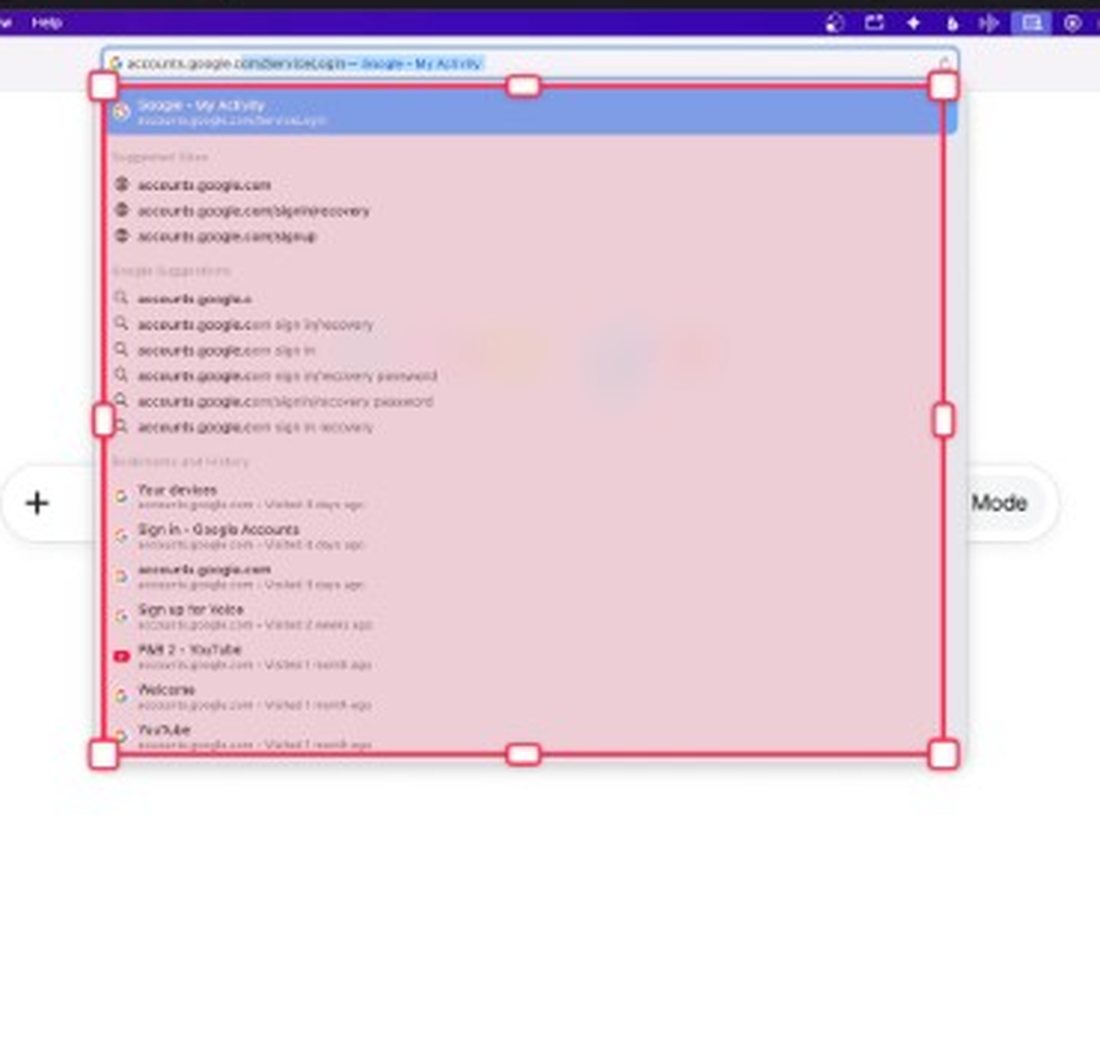
- Vision, not guesswork. Stride OCR plus a PII classifier seeds masks from a watchlist. Object tracking (with OCR fallback) writes interpolating keys so a moving pane stays covered.
- Export that matches preview. Edits sit on Screen Studio’s 60 fps clock; the source stays VFR. Each sample maps to the first tick that displays it, so a moving mask does not drift. BGRA H.264, source timebase and color tags kept, no B-frames, per-frame memory drain so 4K does not jetsam the decoder. Failures leave the working video untouched and offer the diagnostics log.
Design decisions
- Open the package, not a rendered MP4. If redaction lives after export, every later zoom is a leak. Writing back into Screen Studio means the rest of the pipeline is already clean.
- Sampled color over a black box. A hard rectangle advertises that something was hidden. Sampling the paused UI and filling with that color makes the mask look like the interface, which is the point when the audience is watching a settings pane.
- One engine, two doors. The editor is for judgment — which pane, how long, how much feather. The CLI is for the loop I already run with agents: create → scan → seed → track → export → verify. Same evaluator, same renderer.
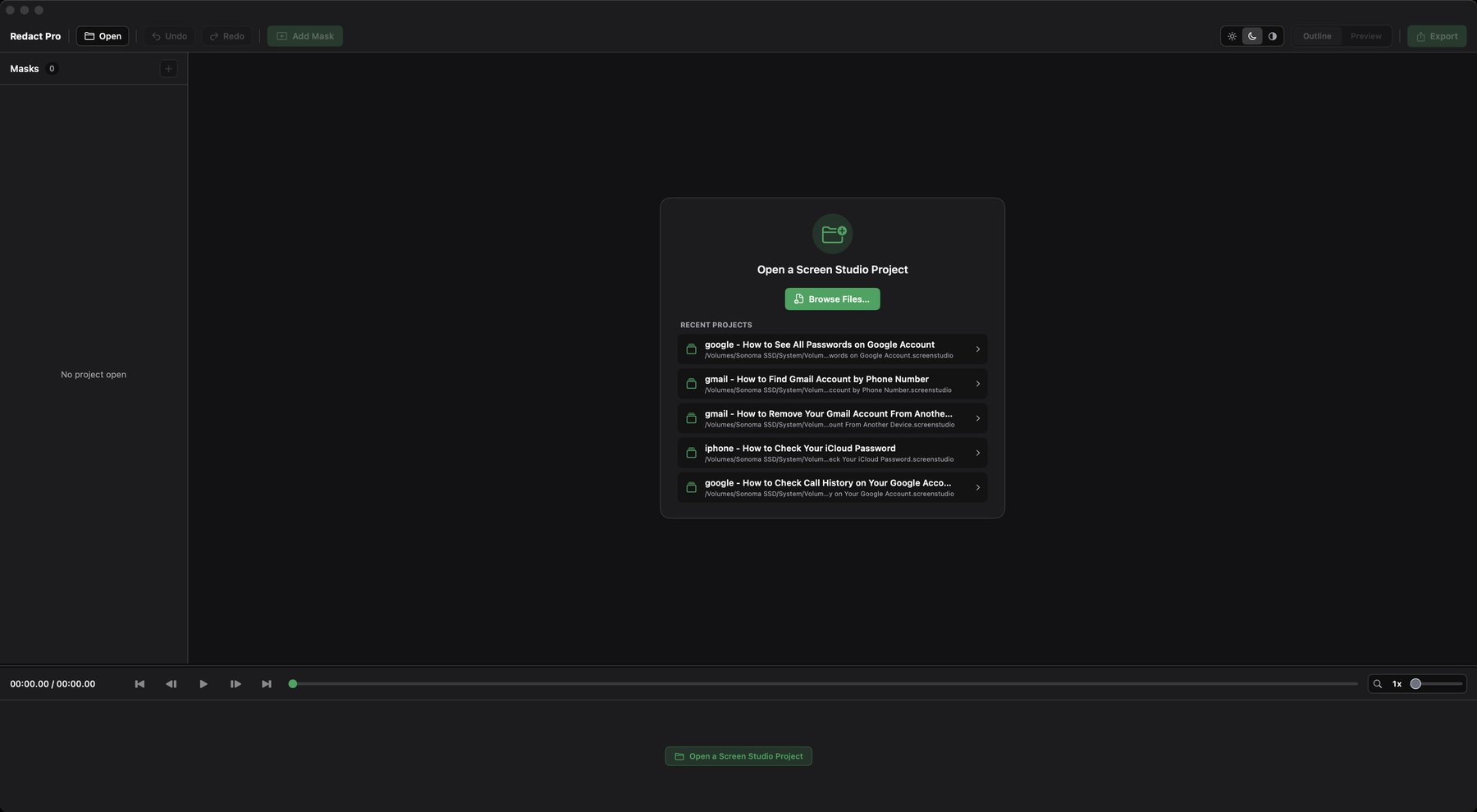
- Recent projects on the empty state. The last five packages are one click away. That is the daily path; a file dialog is the exception.
The agent path
I do not want to babysit every scan. The CLI speaks JSON so an agent — or a shell playbook — can run the same path the editor uses, including a batch export-screenstudio on the iMac.
Secure export writes a sparse per-frame coverage log and checks that each mask’s opaque core actually covered the pixels it claimed. --fast skips the gate while I am tuning; I re-run the verified pass before anything is considered done. I also ran a multi-pass computer-vision swarm over keyframes as a second check before publish — the CLI is the daily tool; the swarm is the audit.
What I learned
- Matching Screen Studio’s timing contract was the real product. A mask that looks right in preview and slips two frames on export is a leak.
- A designer can ship a native app when the problem is specific enough: one package format, one clock, one export path.
- The empty state matters more than the inspector. If opening yesterday’s recording takes more than a click, I will skip redaction on a busy day.
Redact Pro is an internal tool for Pixel & Bracket production. It is not a public download.
Contact
Want to work together? Say hello.
Open to senior product design roles, founding-designer conversations, and select collaborations.